 Duplicate Cleaner
Last revision: 17.10.2026
Unlock the full potential of your computer with Duplicate Cleaner, the ultimate tool for eliminating unwanted duplicate files. This powerful software enables you to reclaim precious storage space effortlessly while keeping your hard drive organized. With its intuitive interface and advanced algorithms, Duplicate Cleaner is your go-to solution for managing redundant data effectively.
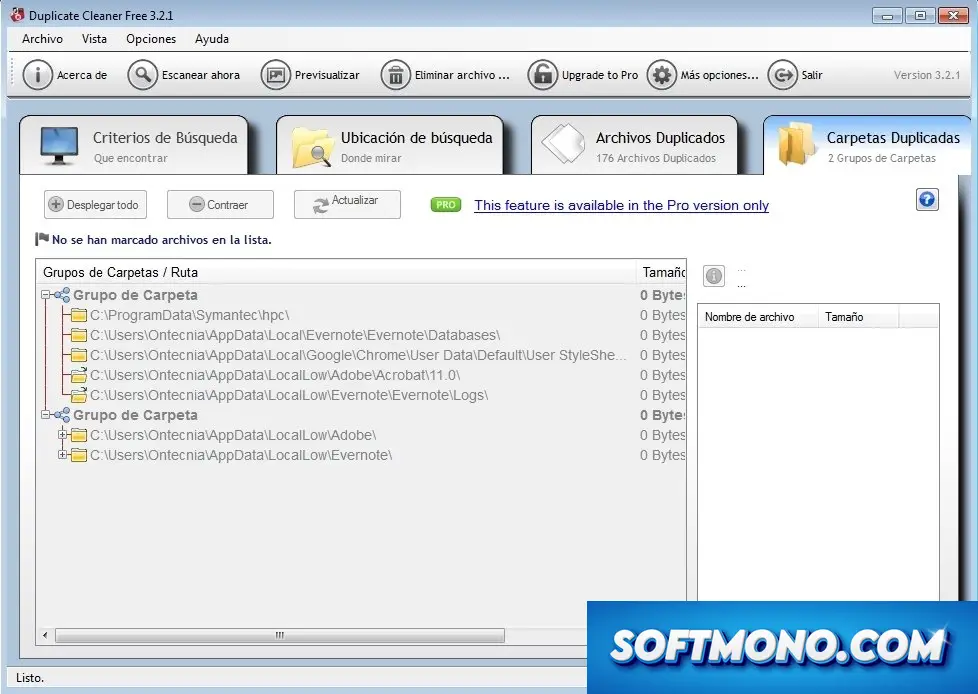
Effortlessly Free Up Storage with Duplicate Cleaner
What Makes Duplicate Cleaner Stand Out
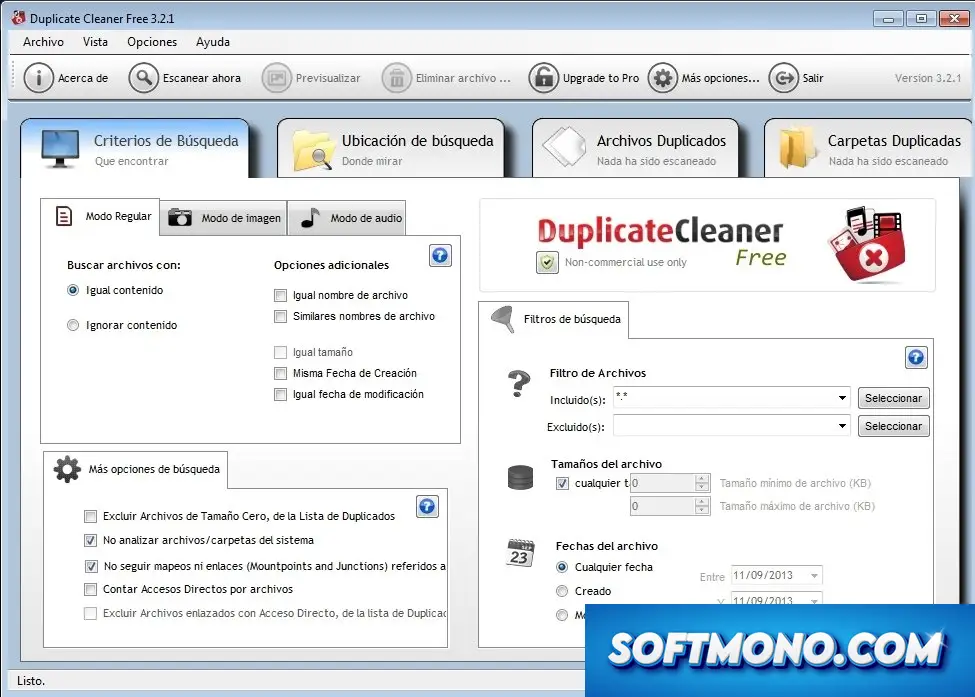
Duplicate Cleaner is an essential tool for optimizing your storage space by identifying and eliminating duplicate files across your system. Its user-friendly interface combined with comprehensive search capabilities makes it a must-have for anyone looking to clean up their cluttered drives efficiently.
What truly sets Duplicate Cleaner apart is its advanced detection algorithms that can identify duplicates based on various criteria, including file content, name, modification date, and size. This versatility allows you to tailor your searches to meet your specific needs, whether you’re a casual user or a professional managing extensive data.
Key Features
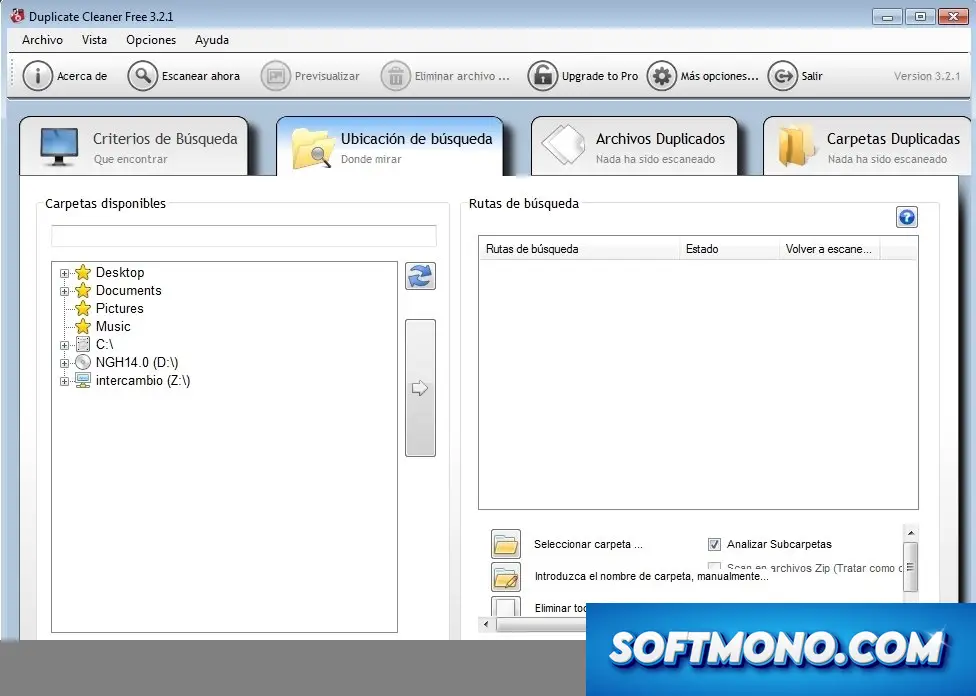
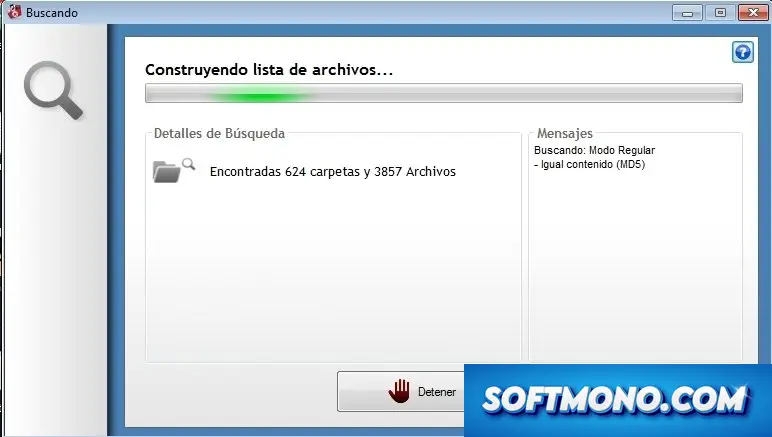
- Efficiently scans internal and external drives to identify duplicates across all storage devices.
- Supports multiple file formats, including images, documents, audio, and video, ensuring a thorough clean-up.
- Customizable search parameters let you specify folders, file types, and criteria for duplicate detection.
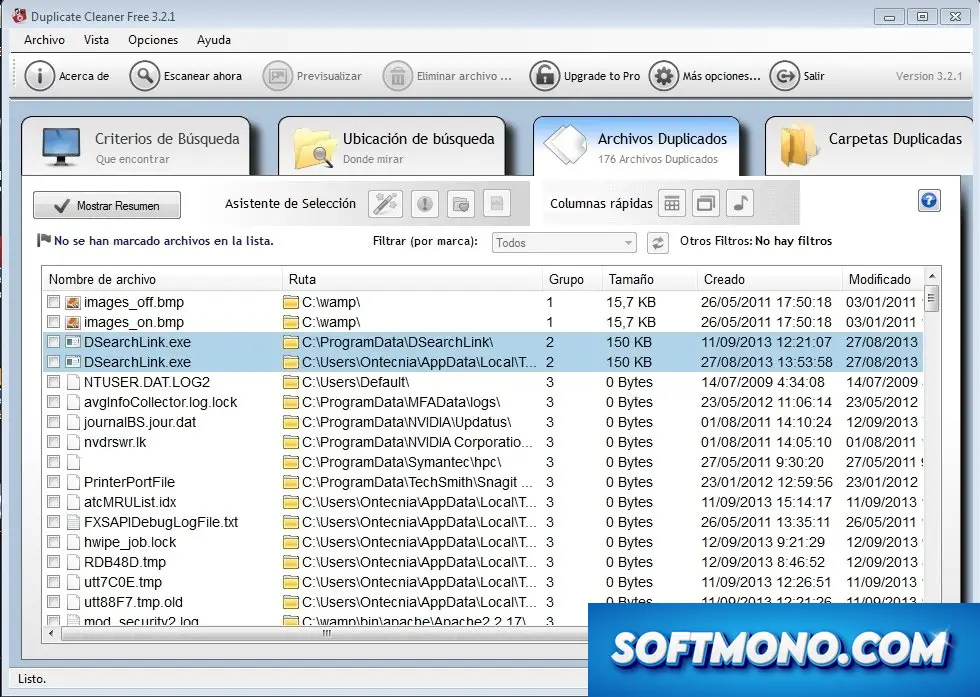
- Provides a detailed preview of detected duplicates before deletion for informed decision-making.
- Facilitates easy export and import of results in CSV format for further analysis or reporting.
- Includes a dedicated audio file duplicate finder, perfect for managing large music libraries.
- Batch delete option streamlines the removal of multiple duplicates at once.
- Secure file recovery enables restoration of mistakenly deleted files from a designated folder.
- Cloud storage integration backs up important files before deletion for added security.
- Real-time scanning continuously monitors changes in specified directories for new duplicates.
- Allows scheduling of regular scans to maintain a clutter-free environment automatically.
- Compatible with various operating systems, including Windows 7, 8, and 10.
- Detailed reporting tools visualize duplicate findings and storage savings.
- User-friendly interface makes it accessible for users of all technical levels.
Why Download Duplicate Cleaner Cracked Version from Our Site?
Choosing to download the cracked version of Duplicate Cleaner from our site comes with numerous advantages. First and foremost, you gain access to the full version of the software without any financial burden. Experience the powerful features that effectively streamline your file management and declutter your system.
Our version is virus-free, ensuring that you won’t compromise your computer’s safety while removing duplicate files. With a direct fast link, you can download Duplicate Cleaner quickly and start optimizing your storage space in no time.
Additionally, our cracked version provides you with unlimited access to all features, including advanced search capabilities and batch processing. This means you can tackle even the most extensive file collections without limitations. Don’t settle for less; reclaim your storage space today with our fully-loaded Duplicate Cleaner crack!
Technical Specifications
To ensure optimal performance, here are the technical specifications needed to run Duplicate Cleaner:
- Operating System: Windows 7, 8, 10, or 11
- Processor: 1 GHz or faster
- RAM: Minimum 2 GB
- Storage: At least 100 MB of free disk space
- Display: 1024×768 or higher resolution
- Internet Connection: Required for cloud storage features
Ensure your system meets these requirements for a smooth experience while using Duplicate Cleaner.
Quick Facts
Your Duplicate Cleaner setup in five steps
- 1Get the file. Hit the Duplicate Cleaner Download button at the top
- 2Unpack it. Extract the files into a folder you like
- 3Open the launcher. Start the setup file
- 4Run the setup. Let the installer do its work
- 5Start using it. Open Duplicate Cleaner from the Start menu


memory leak after a few hours, help?
fr?
i love how it previews before deleting
^
this changed my life, seriously
wokrs on my old pc, no issues
my boss made me use this for work
how do i eksport my results?
basd
i wish i could customize the themes tho
works great for cleaning up my files
deadass