 MSI Afterburner
Last revision: 17.10.2026
Unlock the full potential of your PC with MSI Afterburner, the ultimate overclocking tool that enables you to supercharge your computer’s performance effortlessly. With MSI Afterburner, gain complete control over your GPU and CPU settings, ensuring optimal power delivery for even the most demanding tasks and gaming sessions. Whether you’re a casual user or a hardcore enthusiast, MSI Afterburner will revolutionize your computing experience!
Maximize Your PC Performance with MSI Afterburner
What Makes MSI Afterburner Stand Out
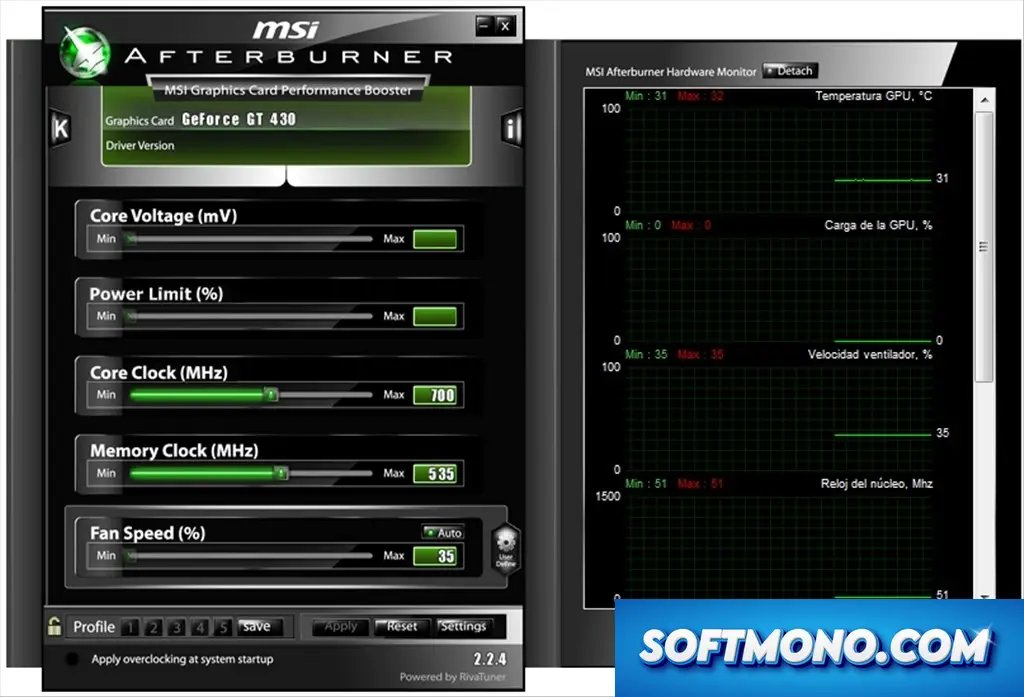
MSI Afterburner is not just another overclocking tool; it’s your gateway to unlocking superior system performance. This advanced utility empowers you with comprehensive control over your graphics card settings, allowing you to elevate your gaming and productivity to new heights. With its intuitive interface and powerful features, MSI Afterburner is a game-changer for anyone serious about optimizing their PC.
Key Features:
- Overclock GPU settings for boosted performance and frame rates.
- Adjust memory clock speeds to enhance data processing capabilities.
- Real-time performance monitoring of critical metrics like temperature and usage.
- Create custom fan profiles to ensure optimal cooling during high-demand tasks.
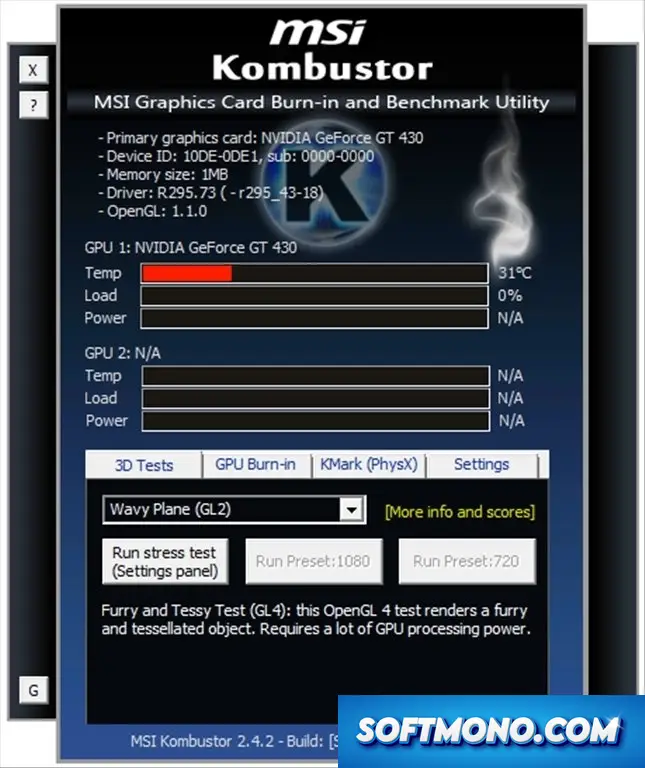
- Conduct stress tests to evaluate system stability under heavy loads.
- Utilize voltage control for precise power delivery adjustments.
- Multi-language support for worldwide accessibility.
- Streamline workflows with customizable hotkeys for efficiency.
- In-game overlays to track performance without interrupting gameplay.
- Seamless integration with a variety of popular graphics card brands.
- Built-in screen recording to capture your gameplay effortlessly.
- Access the “Kombustor” stress-testing tool for in-depth graphics benchmarking.
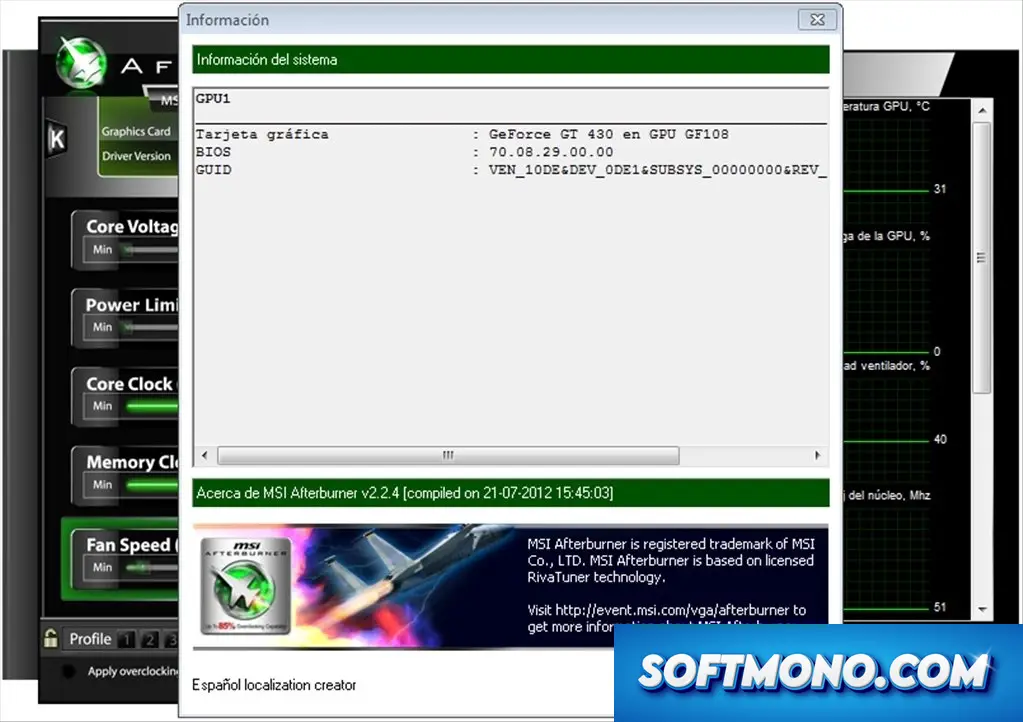
- Detailed hardware diagnostics for superior performance management.
- Advanced settings for shader clock adjustments tailored for specialized performance tweaks.
Three User Perspectives:
Beginner: MSI Afterburner provides a user-friendly interface that simplifies the overclocking process, making it accessible even for those new to optimizing their systems. Visual feedback helps you see how adjustments impact performance directly.
Advanced User: For seasoned enthusiasts, MSI Afterburner delivers comprehensive customization features and detailed performance metrics, enabling you to fine-tune your hardware for maximum efficiency during gaming, video editing, or rendering.
Professional: Professionals dependent on high-performance computing will find MSI Afterburner indispensable. Continuous monitoring of system temperatures and real-time adjustments ensure your workloads remain stable and reliable, even under intense conditions.
Why Download MSI Afterburner Cracked Version from Our Site?
Downloading the MSI Afterburner cracked version from our site means you’re not just getting full access to all features without the compromises. Here’s why our version is the best choice:
- **Unlimited Access:** Enjoy the full capabilities of MSI Afterburner without restrictions.
- **Virus-Free Assurance:** Our downloads are thoroughly scanned to ensure safety and security, giving you peace of mind.
- **Direct Fast Link:** Experience hassle-free downloading with our direct links that get you set up in no time.
- **Latest Build:** Get the most recent version of MSI Afterburner, equipped with all the latest features and improvements.
- **No Hidden Costs:** Our cracked version means you won’t be dealing with any hidden fees or subscriptions.
Technical Specifications
To ensure that MSI Afterburner runs smoothly on your system, make sure your PC meets the following requirements:
- Operating System: Windows 7, Windows 8, Windows 10, Windows 11
- Processor: Intel Core i3 or equivalent
- RAM: 2 GB or more
- Graphics Card: Any compatible graphics card (NVIDIA/AMD)
- Disk Space: At least 100 MB of free disk space
- Display: 1024×768 screen resolution
Quick Facts
Get MSI Afterburner up and running
- 1Get the file. Press MSI Afterburner Download above
- 2Unpack it. Extract the files into a folder you like
- 3Open the launcher. Double-click the setup file in the folder
- 4Run the setup. Accept the defaults and continue
- 5Start using it. MSI Afterburner is ready when the wizard closes


pretty solid tool, ngl
i just wanna optimize my daily tasks without hassle
really good for monitoring my temps and usage
pretty solid ngl, better than expected
ngl, I thought it would be more complicated
does it help with video editing too?
runs pretty smooth, no crashes yet
l for the bugs that came with the last update
this is not bad but UI is kinda ugly
fr, I use it for all my gaming needs
can I customize the temperature limits?
does it support plugins for extra features?
does anyone else have gpu spikes on old drivers?
runs fine on win 11, no problems
how do I adjust the fan speeds?
my fans are super loud now tho